Pineapple
A graphical desktop for the rest of us... running DOS on minimal hardware.
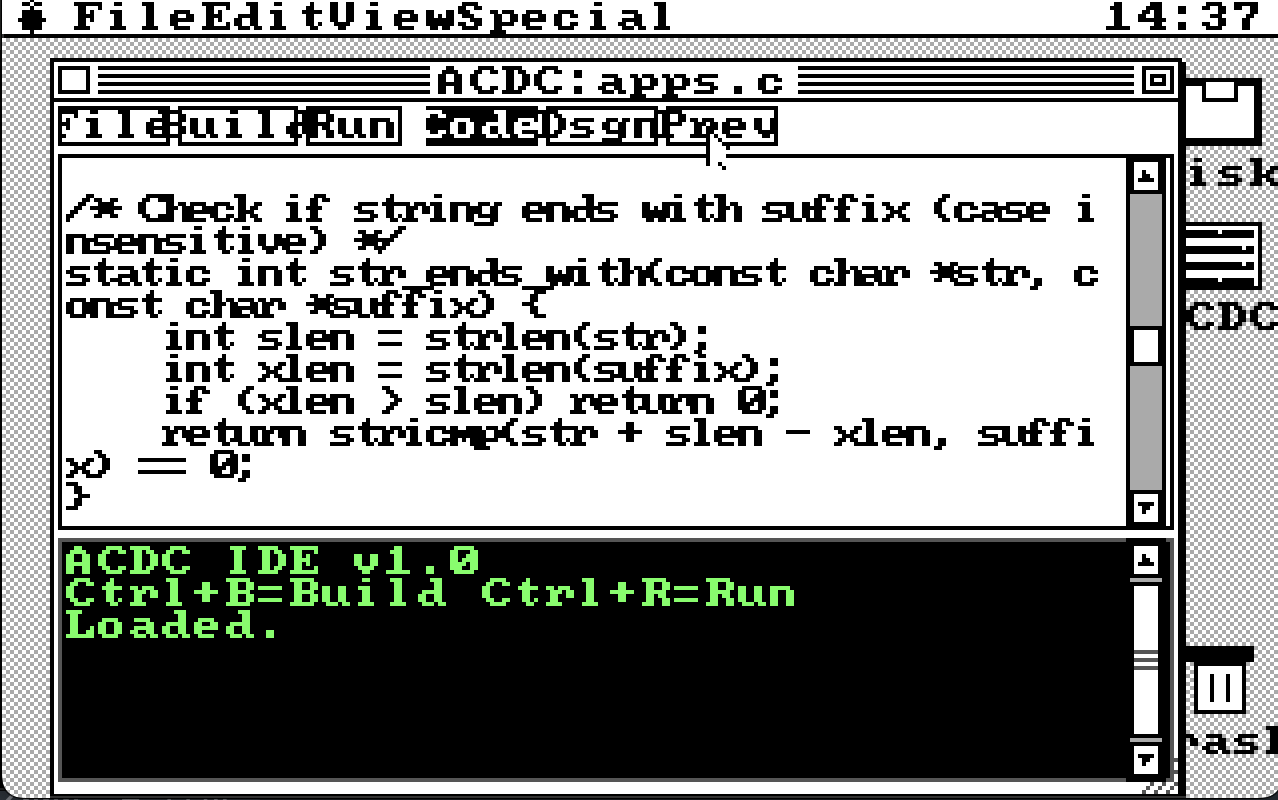
Modern GUIs abandoned old hardware long ago. Even "lightweight" desktops demand resources that vintage PCs and embedded systems don't have. Pineapple brings windowed multitasking to machines with no FPU, limited RAM, and modest CPUs—think Mac System 1 meets Windows 1.0, but with TCP/IP networking. Designed for FreeDOS, the whole thing fits on a floppy.
Screenshots
Why Pineapple?
There's hardware out there that's too old for modern operating systems but too useful to discard. Industrial embedded PCs, vintage machines kept alive for specific software, educational environments teaching real low-level computing. These systems deserve better than being stuck in text mode forever.
The Vortex86—a modern x86 SoC still manufactured for embedded use—ships without an FPU. Most graphical software assumes floating-point is available. Pineapple uses integer math exclusively. No FPU instructions anywhere. It runs on your 486 just fine.
What's Inside
- File Manager — browse and manage your files
- Notepad — simple text editing
- Calculator — basic arithmetic
- Paint — bitmap drawing with save/load
- Shell — command line access when you need it
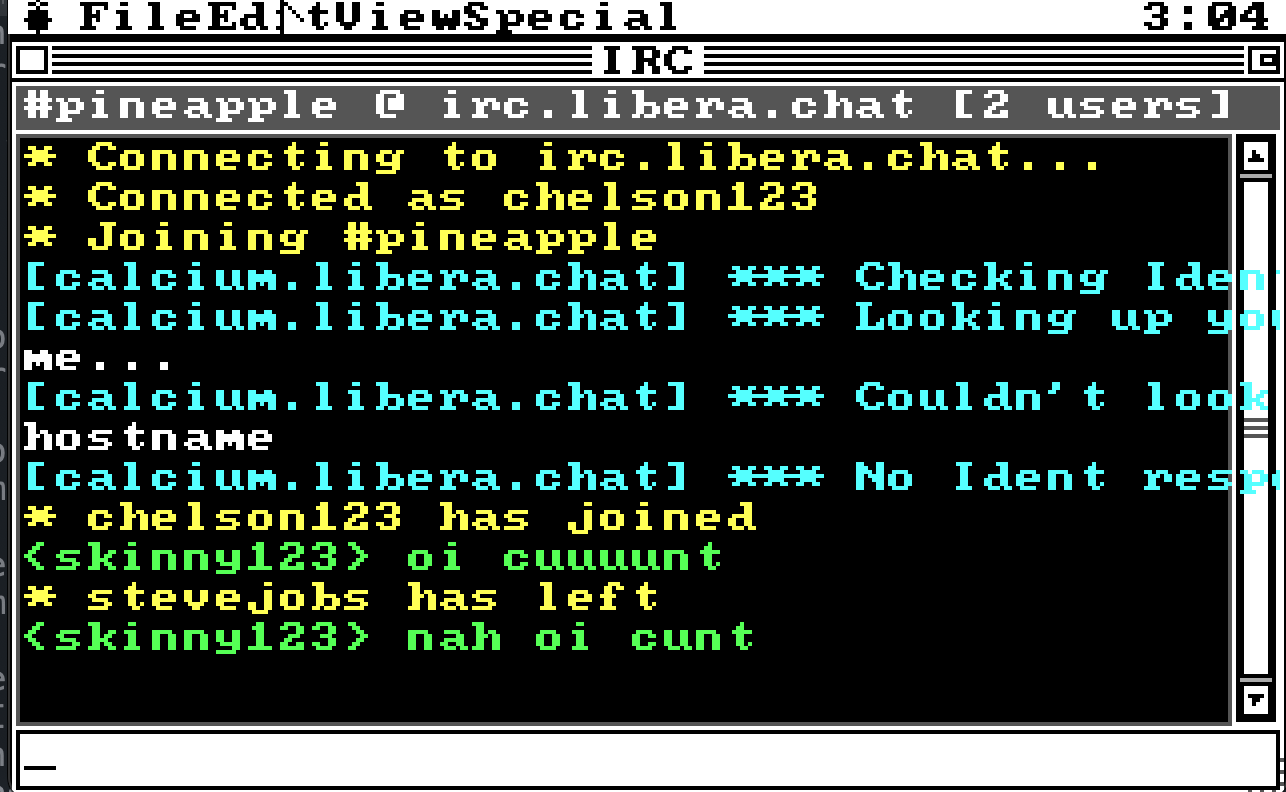
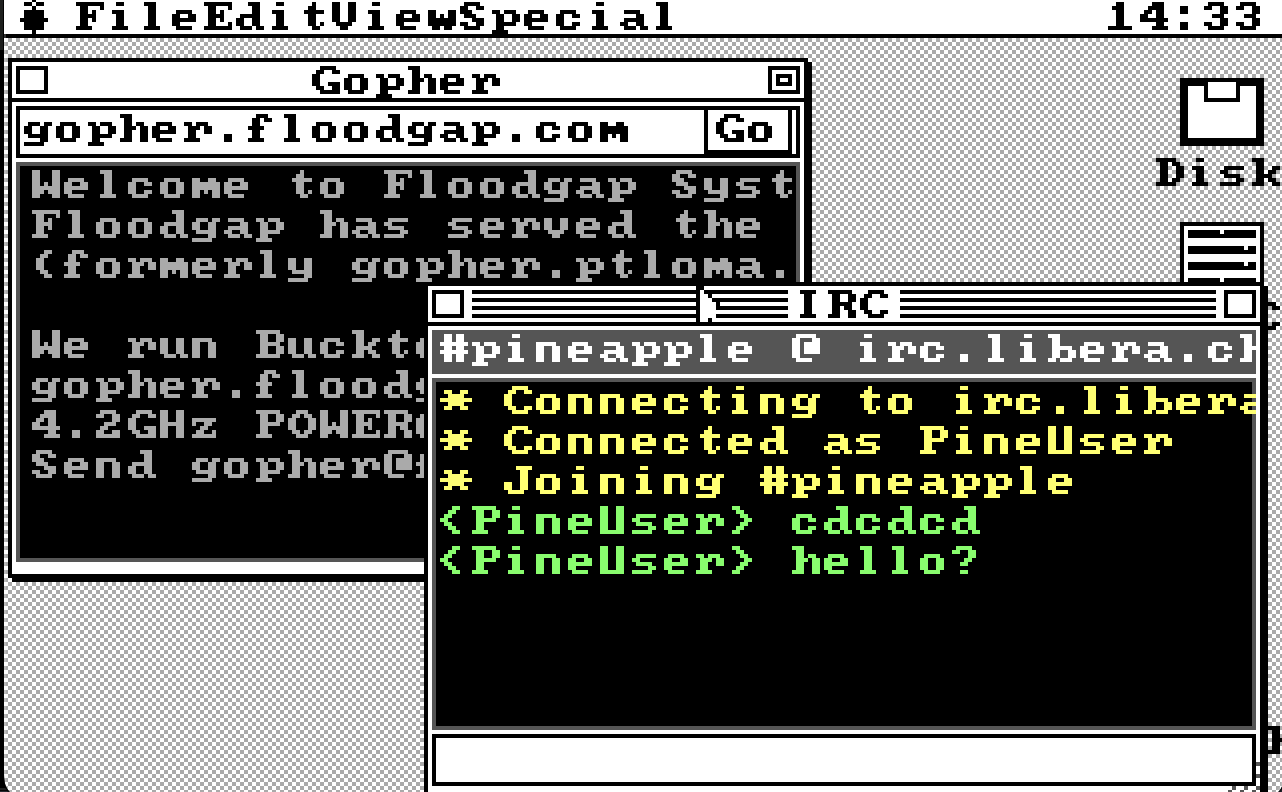
- IRC Client — channels, PMs, nick changes, the works
- Gopher Browser — explore gopherspace
- Weather — current conditions via TCP
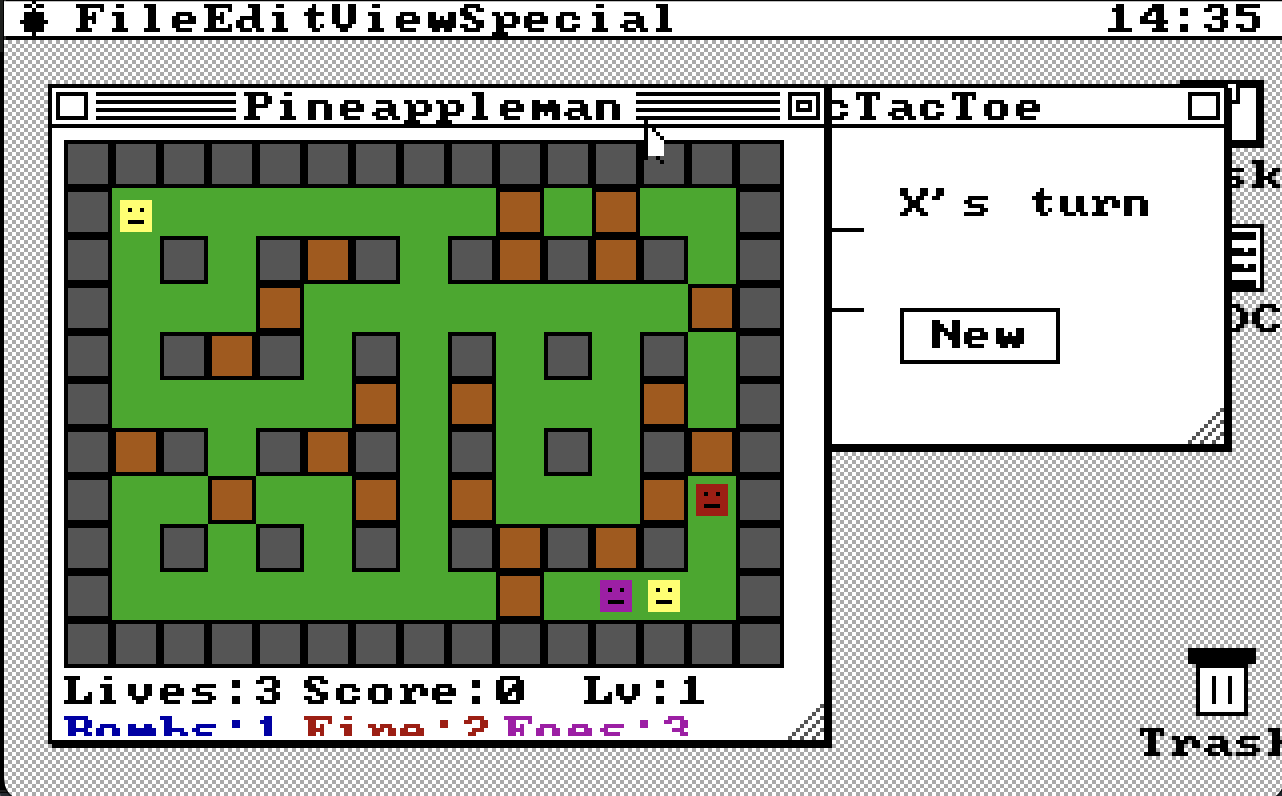
- Games — Pineappleman, TicTacToe
The IRC client is fully functional and tested across multiple simultaneous instances for real-time chat. The networking stack uses Watt-32 with standard NE2000-compatible packet drivers—works out of the box with DOSBox-X SLIRP for easy testing.
Technical Specs
| System Requirements & Details | |
|---|---|
| Executable Size | ~100KB (fits on a floppy) |
| Display Modes | VGA 320×200 (Mode 13h), optional SVGA 640×480 via VESA |
| Multitasking | Cooperative polling—single-threaded, no preemption |
| FPU Required | No — integer math only throughout |
| Networking | Watt-32 TCP/IP with NE2000 packet drivers |
| Compiler | DJGPP (cross-compiles from macOS/Linux) |
The cooperative model is elegant: a main loop polls mouse (INT 33h) and keyboard, iterates through windows calling each app's draw function, and apps handle their own I/O within those calls. Network apps call Watt-32's tick functions to process incoming data. Everything yields naturally—no threads, no timer interrupts, no complexity.
Download
Pineapple v1.0 — Complete desktop environment with all bundled applications.
Just extract to your FreeDOS drive and run PINEAPPL.EXE.